What Is a WordPress Staging Site? A Practical Guide
Making changes directly to a live WordPress website can be risky. A plugin update, theme change, custom code modification, or WordPress update may cause unexpected errors that immediately affect visitors. A WordPress staging site provides a safer environment for testing these changes before they are introduced to your live website. In simple terms, a staging […]
Making changes directly to a live WordPress website can be risky. A plugin update, theme change, custom code modification, or WordPress update may cause unexpected errors that immediately affect visitors.
A WordPress staging site provides a safer environment for testing these changes before they are introduced to your live website.
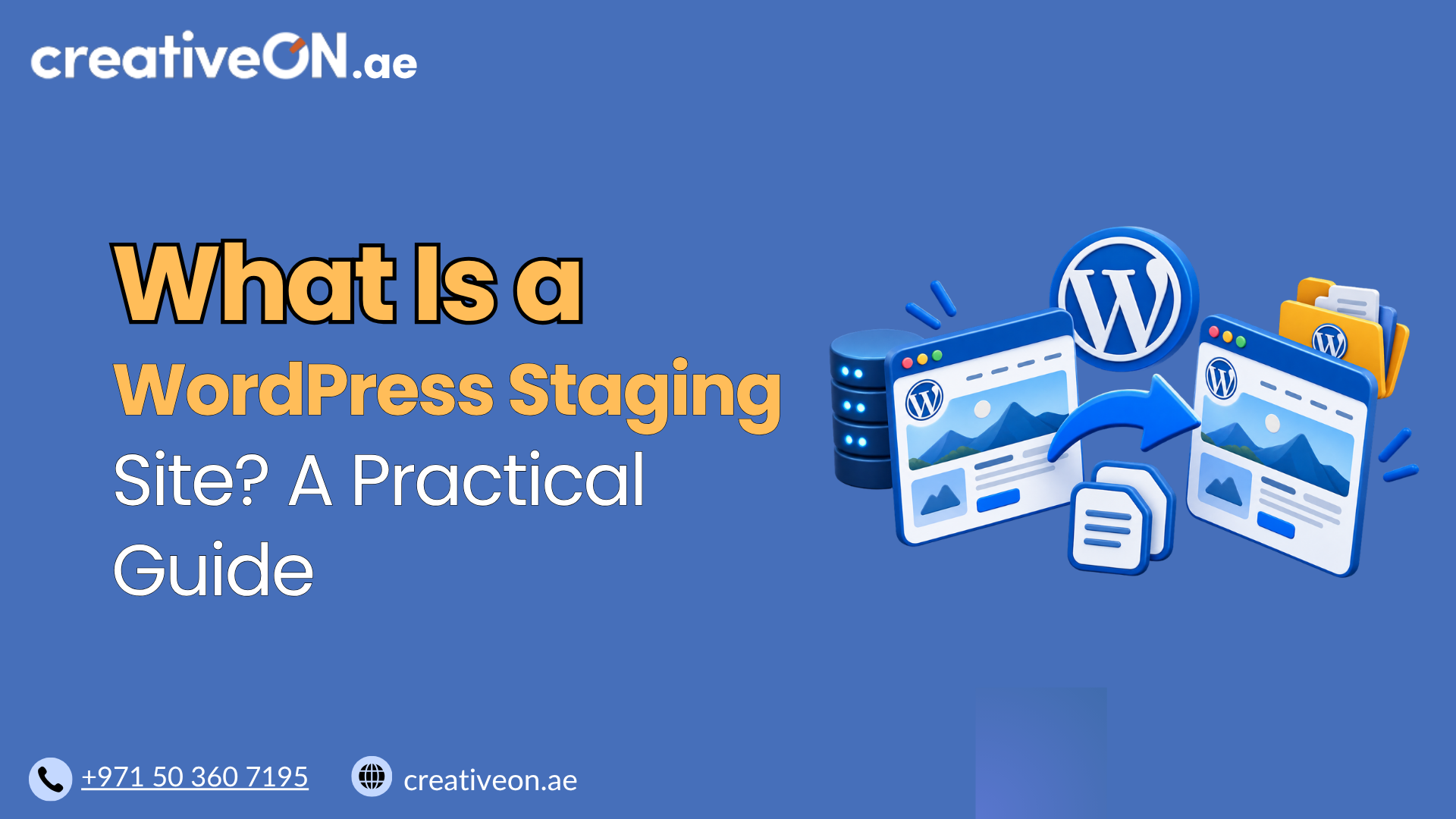
In simple terms, a staging site is a non-production copy of a WordPress website used for testing and development. It is designed to closely resemble the live website while giving you a place to make and test changes without directly affecting visitors.
For businesses using WordPress hosting, staging can make website maintenance more controlled and reduce the risk of deploying untested changes.
What Is a WordPress Staging Site?
A WordPress staging site is a separate testing environment that is created from, or closely mirrors, a live WordPress website.
The staging environment typically contains a copy of the site’s WordPress files and database, including its themes, plugins, settings, content, and media. However, it is treated as a non-production environment, meaning it is used for testing rather than normal visitor traffic.
WordPress itself recognizes staging as one of its standard environment types, alongside local, development, and production environments.
For example, before installing a new plugin on your business website, you could install it on staging first. You can then check whether the website continues to work correctly before making the same change to production.
How Does WordPress Staging Work?
A typical staging setup starts by creating a copy of the live website.
The staging environment may be hosted:
- On the same hosting account
- On the same server
- On a separate server
- On a subdomain
- In a separate directory
- Through a hosting provider’s staging system
What makes it a staging site is not necessarily where it is physically hosted. Its key purpose is that it operates as a non-production environment for testing.
The basic workflow is:
Live website → Create staging copy → Test changes → Review results → Deploy approved changes
The exact deployment process depends on the hosting provider or staging system. Some platforms provide a push-to-live feature, while others require changes to be transferred or reproduced manually.
The staging site should therefore be considered a close working copy, not necessarily a perfect real-time duplicate of the live website.
Why Use a WordPress Staging Site?
The main reason to use WordPress staging is to test changes before they affect your visitors or customers.
Test WordPress Updates
WordPress core, plugin, and theme updates can sometimes introduce compatibility problems.
Testing an update on staging first allows you to check whether important parts of your website continue to work before updating production.
WordPress’s own testing guidance recommends using a staging environment to test WordPress updates before applying them to a live website.
Test Plugins and Themes
A new plugin may conflict with an existing plugin or your current theme.
Instead of discovering the problem after installing it on your live website, you can test the combination on staging first.
This is especially useful when your website relies on several plugins or has custom functionality.
Test Design Changes
You can experiment with layouts, menus, themes, CSS changes, and other visual modifications without changing what visitors currently see.
This gives you an opportunity to review the new design before publishing it.
Test Custom Functionality
Staging can also be used to test custom code and functionality.
For example, developers or website administrators can use staging to check whether a code change produces errors or affects existing website features.
WordPress Staging Site vs Live Website
The easiest way to understand staging is to compare it with the production, or live, website.
| Staging Site | Live Website |
| Used for testing | Used by real visitors |
| Non-production environment | Production environment |
| Usually restricted or private | Publicly accessible |
| Changes are tested before deployment | Changes directly affect the website |
| Can contain experimental changes | Should contain approved changes |
The staging environment allows you to work on changes while the existing live website continues serving visitors.
What Can You Test on a WordPress Staging Site?
A staging environment can be useful for testing many types of WordPress changes, including:
- WordPress core updates
- Plugin updates
- Theme updates
- New plugins
- Theme modifications
- CSS and JavaScript changes
- Custom code
- Website redesigns
- Compatibility issues
- Important website functionality
- WooCommerce features
The most useful tests are the actions your visitors or customers actually perform.
For example, an eCommerce business may want to test product pages, the shopping cart, checkout, and order-related workflows before deploying a significant change.
WordPress recommends testing normal day-to-day workflows on staging, particularly when updating WordPress or maintaining sites with functions such as eCommerce.
How Is a WordPress Staging Site Created?
The exact process depends on your hosting environment.
Many WordPress hosting providers offer a staging feature through their hosting control panel. Other options include staging plugins or manually creating another WordPress installation.
Common approaches include:
- Hosting-based staging — The hosting provider creates the staging environment for you.
- Staging plugins — A WordPress plugin can duplicate the site into a separate testing environment.
- Manual staging — An administrator can create another WordPress installation and copy the required files and database.
For most non-technical website owners, a hosting-based staging feature can be the simplest option.
This article focuses on what staging is and why it is useful. For detailed instructions on creating one, a dedicated WordPress staging setup guide can cover the different methods separately.
Is a WordPress Staging Site an Exact Copy?
Not always.
A staging site is generally created to resemble the live website, but it may not contain the latest production data.
This matters because the live website can continue changing while you work on staging.
For example, a WooCommerce store may receive new orders while its staging site is being used for testing. Customer registrations, form submissions, comments, or other database changes may also occur on the live website.
Before moving changes from staging to production, you therefore need to understand how the staging system handles files and database synchronization.
Important: Staging and Production Can Behave Differently
A staging site may also have different:
- PHP versions
- Server configurations
- Caching settings
- External service connections
- Database content
- Environment settings
For this reason, a successful staging test is valuable, but it does not guarantee that every production condition is identical.
WordPress supports identifying a site as a staging environment, which allows WordPress and compatible tools to distinguish it from a production environment.
Is a Staging Site Safe for WooCommerce?
Yes, but WooCommerce websites require additional care.
An online store can continue receiving real orders, customer registrations, and other database changes while you work on staging.
You should therefore be careful when synchronizing a staging site with production.
For example, replacing the entire production database with an older staging database could overwrite newer orders or customer information.
For WooCommerce stores, test important customer workflows on staging, but understand exactly what your hosting or deployment system will transfer before pushing changes live.
Best Practices for WordPress Staging
A few simple practices can make a staging environment safer and more useful.
Keep Staging Private
A staging site should normally not be treated as a public website.
Use password protection, access restrictions, or other controls provided by your hosting platform whenever possible.
Also configure the environment to discourage search engines from indexing it. Search-engine blocking should not be treated as a substitute for access control, particularly if the staging site contains sensitive information.
Test Important Website Functions
Do not only check whether the homepage loads.
Test the functions that matter to your business, such as:
- Contact forms
- Login
- Search
- Navigation
- Important pages
- Plugin functionality
- Checkout
- Customer workflows
Understand What Gets Deployed
Before using a push-to-live function or manually transferring changes, determine whether the process affects:
- Files
- Database content
- Media
- Plugin settings
- Theme settings
This is particularly important for websites with frequently changing data.
Keep a Current Backup
A staging site is not a replacement for a backup.
Before making significant production changes, maintain a current backup so that you have a recovery option if something goes wrong.
For a complete backup strategy, use a dedicated WordPress backup guide rather than treating staging as a backup solution.
Staging Site vs Backup
Staging and backups serve different purposes.
A staging site is for testing.
A backup is for recovery.
A staging copy may be based on an earlier version of your website and can change as you work on it. A backup, on the other hand, is intended to give you a way to restore your website or recover important data.
Using both provides better protection:
Backup → Recovery
Staging → Testing
WordPress’s administration documentation also recommends creating a current backup before making potentially disruptive changes to files or databases.
When Should You Use a WordPress Staging Site?
You do not necessarily need staging for every small content edit.
It becomes particularly useful when making changes that could affect website functionality.
Consider using a staging site before:
- Major WordPress updates
- Plugin or theme updates
- Installing several new plugins
- Changing your WordPress theme
- Making significant design changes
- Modifying custom code
- Changing important functionality
- Testing WooCommerce changes
For a simple spelling correction, staging may be unnecessary.
For a major website update or redesign, testing first can be a much safer approach.
Is WordPress Staging Included With Hosting?
Not every WordPress hosting plan includes staging.
If staging is important to your website management process, check whether your hosting plan provides features such as:
- One-click staging
- Easy staging creation
- Staging-to-live deployment
- Access protection
- Backup and restore options
- Suitable resources for the staging environment
Staging can be particularly useful for businesses, agencies, developers, and WooCommerce websites that regularly make changes.
WordPress Staging vs Website Migration
Staging and migration are related but different.
Staging is used to test changes.
Migration is used to move a website from one hosting environment, server, or location to another.
For example, you might create a staging site to test a website before migrating it to new hosting. But creating a staging site itself does not mean that the website has been migrated.
For the actual moving process, see the dedicated WordPress migration guide.
Frequently Asked Questions
A WordPress staging site is used to test website changes before applying them to the live website. It can be used for testing updates, plugins, themes, designs, and custom functionality.
No. Staging is primarily for testing, while a backup is intended for restoring or recovering your website and its data.
Generally, no. A staging environment should normally be kept private and configured to discourage search engine indexing. Access restrictions are preferable to relying only on search-engine settings.
Yes. However, WooCommerce requires extra care because live stores can continue receiving orders and other database changes while staging is being used.
No. Staging availability depends on the hosting provider and the specific plan. If staging is important to your workflow, check for it when choosing WordPress hosting.
Conclusion
A WordPress staging site is a non-production environment used to test website changes before they are applied to the live website.
It can help you safely test WordPress updates, plugins, themes, design changes, and custom functionality without immediately affecting visitors.
The important thing to remember is that staging is a testing environment, not a backup. It may also contain older data than the live website, so extra care is required when synchronizing changes, particularly on WooCommerce websites.
For businesses using WordPress hosting, a reliable staging feature can make website maintenance more controlled and reduce the risk of deploying untested changes to production.
When evaluating WordPress hosting, staging is therefore a useful feature to consider alongside backups, security, performance, and other website management tools.